Immersive Room Design Guide: From Floor Plan to First Show
A practical design walkthrough for immersive projection rooms: geometry, brightness, blending, content flow and the mistakes that cost the most money.
Start With the Room, Not the Gear
An immersive room is a controlled visual environment. Before choosing any hardware, measure three things: usable wall length and height, floor area, and how much ambient light you can remove. These numbers decide everything else.
Geometry: Merge Walls and Floor Deliberately
The signature immersive look comes from covering two or more surfaces with one continuous scene. Plan which walls carry the image and whether the floor joins in. Corners are where amateur builds fail — content must be authored for the corner, or the projection must wrap with proper blending.
Projector Count and Blending
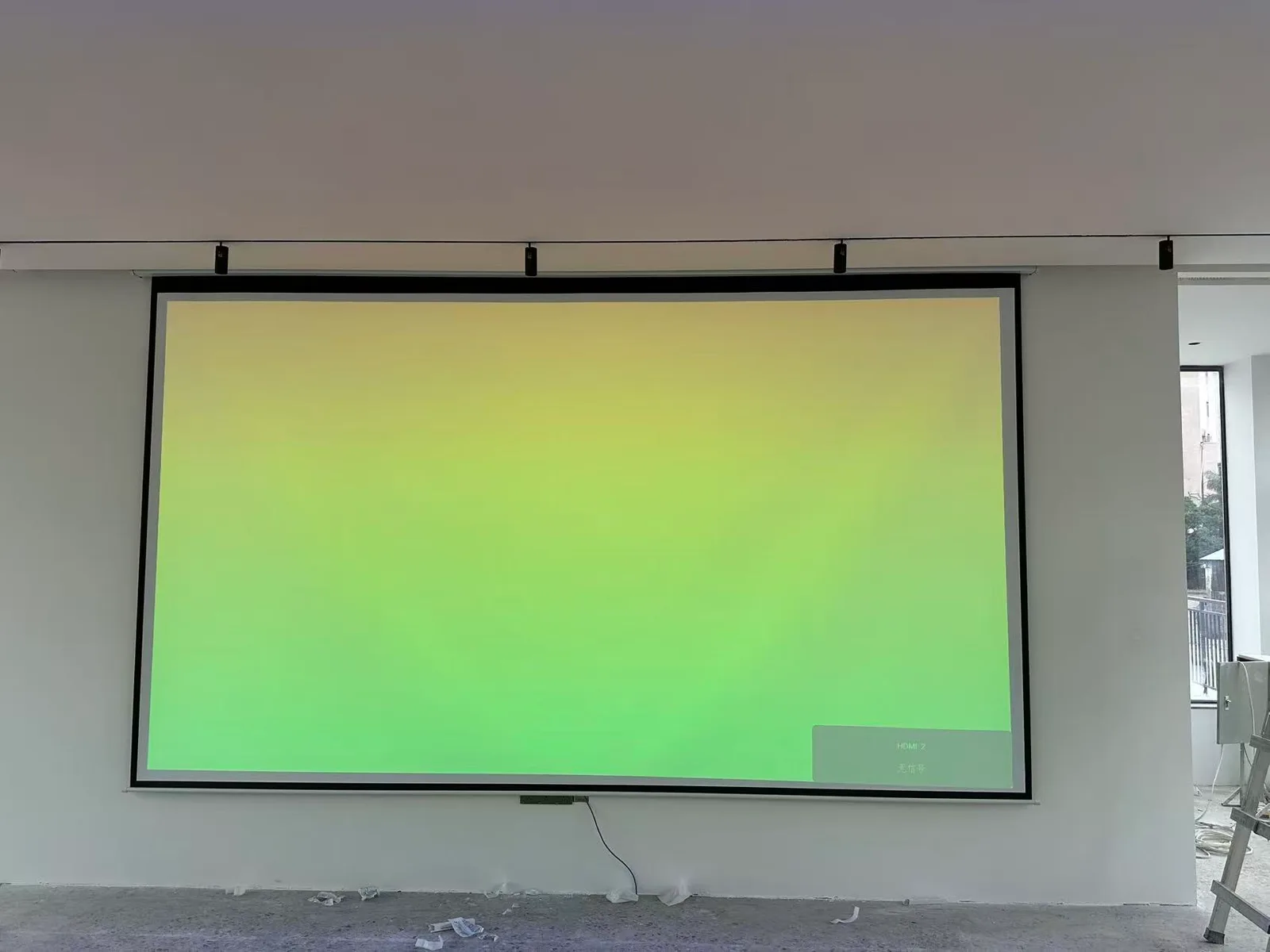
As a rule of thumb, plan one projector per 4–6 m of wall width at typical room heights. Adjacent images overlap by 15–30% and a fusion system feathers the seam. Modern systems like ours blend automatically across a network — but the content still has to be produced at the combined resolution.
Brightness and Surfaces
Matte white or light gray walls project beautifully; glossy or colored surfaces kill contrast. For rooms that can't be repainted, high-brightness laser units compensate — we run vivid daytime rooms with 4000–9000 lumen class hardware.
Content Flow
Design the experience as a timeline: an arrival scene, 2–4 signature scenes, and an interactive finale that rewards movement. Auto-loop for busy periods, on-demand triggers for private events.
The Expensive Mistakes
- Buying projectors before measuring ambient light
- Ordering content at the wrong resolution for the blended canvas
- Ignoring audio — half of "immersion" is sound design
Send us your room dimensions and we'll return a coverage drawing and hardware list free of charge: start here.