Projection Edge Blending: The Engineer's Complete Guide
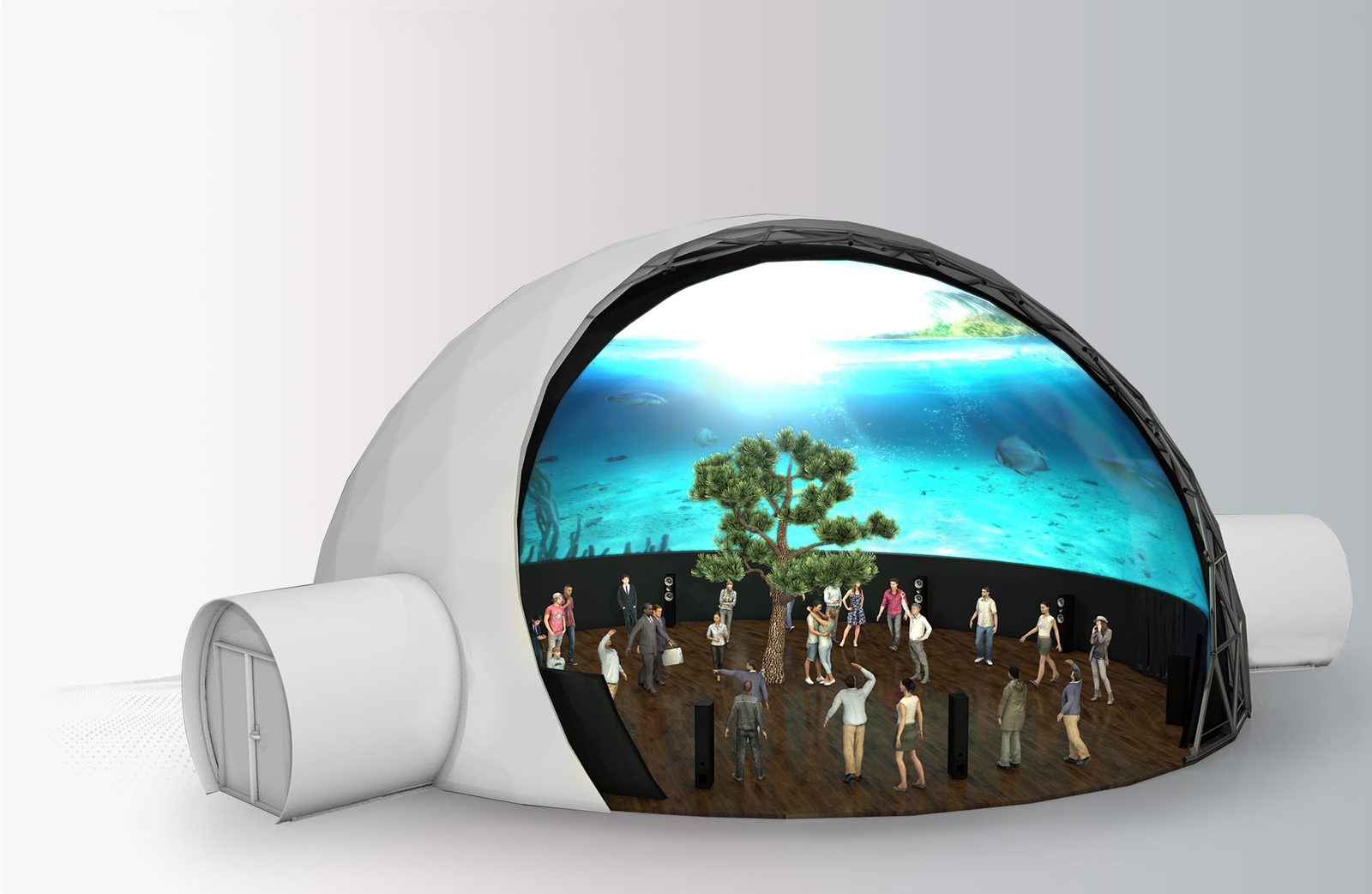
Why tiled projectors show a bright band or dark seam, how to size the blend band, and how to write acceptance criteria that keep your arc or dome screen truly seamless.
Why Tiled Projectors Need Blending
Stack two projectors side by side and you will almost always see it: a bright band or a faint dark seam running down the middle of the image. Edge blending — also called projection fusion — is the engineering discipline that removes it, and it is the foundation under every arc screen, ring wall and dome we deliver. This guide covers the numbers that matter, the warping workflow, the software-versus-hardware decision, and the acceptance criteria to write into your next contract.
A single projector only carries so many lumens and pixels. Once an image needs to be wider than roughly 6–8 m, or must wrap an arc, ring or dome surface, multiple projectors are unavoidable. Simply butting the images together fails in two predictable ways:
- Bright band — to avoid a black gap, adjacent images usually overlap. In the overlap both projectors add their light, so the strip reads nearly twice as bright as the rest of the picture.
- Dark seam and misalignment — with no overlap at all, a black line remains, and mounting tolerances make the two images drift vertically and mismatch in color.
Edge blending solves both: it applies a graduated feather across the overlap zone and compensates the resulting black-level lift, so the assembled picture reads as one uniform image.
Calculating the Blend Band
The blend band is the strip where two adjacent images overlap. Field practice has converged on a narrow set of values:
| Parameter | Typical value | Field notes |
|---|---|---|
| Band width as share of one image's width | 15%–25% | 20%–30% for domes and high-curvature screens |
| Band width at 1920 px source width | About 290–480 px | Too narrow reads gray; too wide wastes resolution |
| Brightness match between adjacent units | Within 5% | Calibrate unit by unit with test patterns |
| Transition curve | Linear or gamma-corrected | Gamma compensation kills the gray, washed-out band |
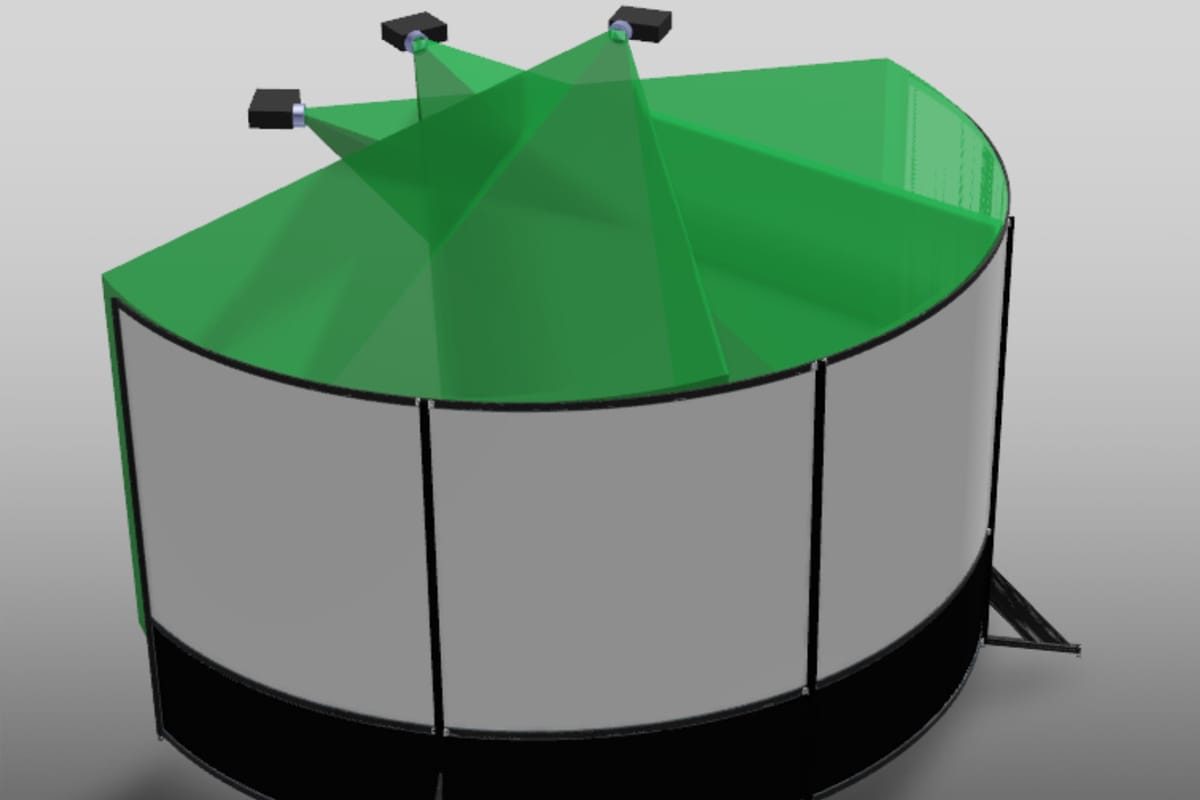
A workable commissioning order: light all units and set the overlap, feed test signals and color-match each projector, apply feathering and geometric warping, then inspect the band from normal viewing distance.
Geometric Warping: Making Pixels Stick to Curves
Flat walls only need their edges aligned. Arc screens, domes, L-shaped sets and custom objects distort anything projected straight onto them, so every projector's output must be pre-distorted until it lands perfectly on the surface. The industry has moved through three generations of correction:
- Keystone and shift — built into every projector, but it only fixes regular trapezoid error. Useless for curves.
- Mesh (point-by-point) warping — drag grid nodes in blending software until the image hugs the screen. Precision depends on the engineer's patience.
- Camera auto-calibration — a camera photographs the projected pattern and software solves the warp matrix automatically. This is the standard route for domes and custom geometry: fast, repeatable, easy to re-run after a light-source change.
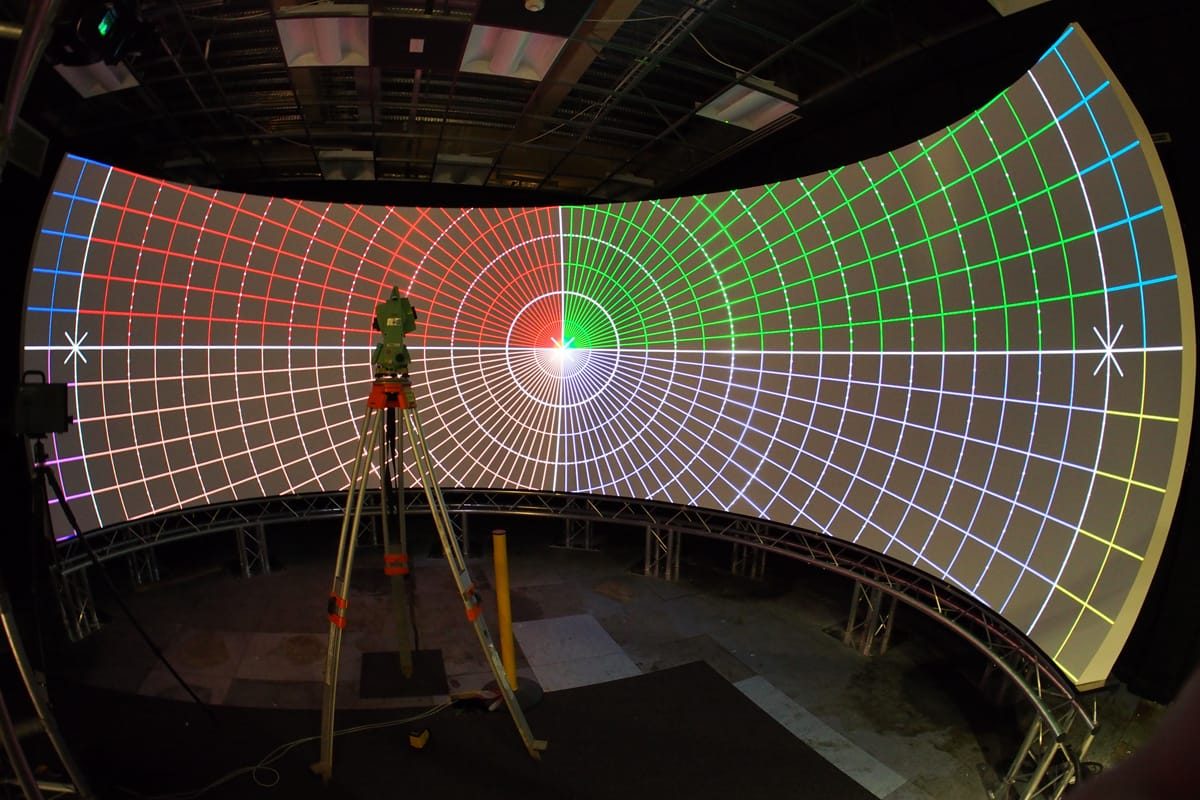
Major projector makers such as Christie ship matching warping and blending toolchains covering domes, curved screens and 360° projection mapping, and the correction data loads automatically at every boot.
Software or Hardware Blending?
| Dimension | Software blending (server + software) | Hardware blender |
|---|---|---|
| Geometry freedom | High — domes and custom shapes | Medium — mainly flat and standard arc arrays |
| Content playback | Integrates playback, interactivity and show control | Usually needs external signal sources |
| Stability | Depends on host system upkeep | Powers on and runs unattended |
| Content changes | Swap a file | Rewire and reconfigure sources |
| Typical projects | Immersive spaces, dome theaters, interactive exhibits | Command centers, fixed long-term displays |
Rule of thumb from our projects: frequently updated or interactive content favors software blending; fixed imagery that must run unattended for years favors hardware — or a hybrid architecture where a hardware blender is fed by a playback server.
Formats and Acceptance Criteria
- Arc and ring screens — the default for showroom lobbies, corporate pavilions and command centers: 120°–360° of wrap, 2–6 blended projectors.
- Domes — standard for planetariums and science centers, typically four or more projectors plus auto-calibration. One published Chinese case, the Pingyao Ancient City science-and-art museum, blends 16 projectors into a single dome show.
- L-shaped and folded screens — early-stage CAVE rooms; the corner seam needs special care in both geometry and brightness.
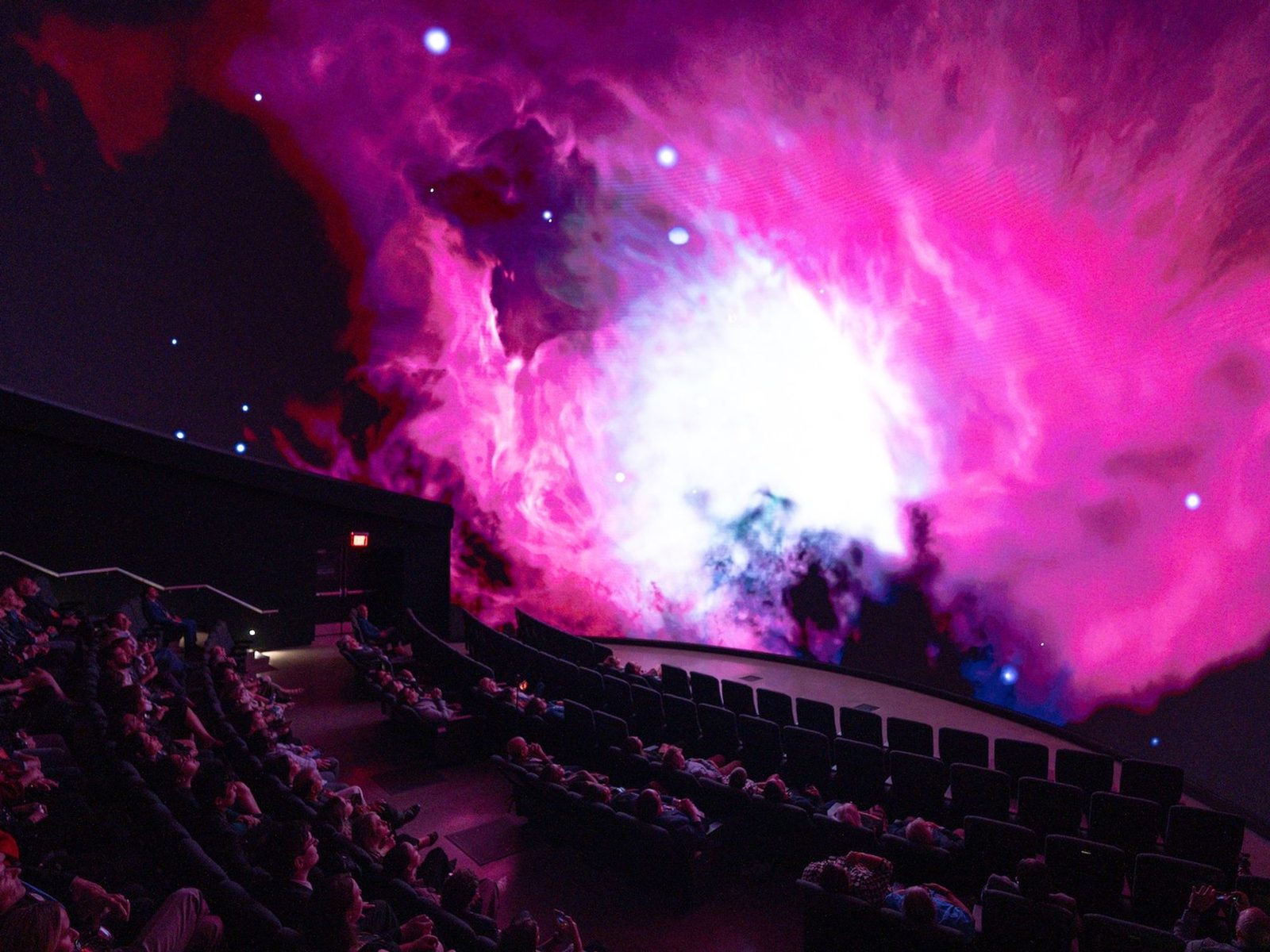
Put three measurable criteria into the contract:
- Seam-free — no visible joint, bright or dark band at normal viewing distance (usually 2–3 m or more).
- Brightness uniformity — at least 85%–90% across the whole image, measured with a lux meter at band edges and screen corners.
- Color consistency — adjacent units color-matched; no visible temperature step inside the blend band.
Finally, negotiate re-calibration up front: building settlement and light-source replacement both shift blend parameters, so agree on a number of free re-calibration visits in the after-sales clause.
Blending quality is decided on site, not on a spec sheet — the real difference between vendors is the commissioning crew. Planning an arc, ring or dome screen? Send us your screen dimensions and projector positions and Aurora Vision engineers will return a blend-band calculation plus a commissioning checklist you can hand to any installer.