Radar Interactive Projection: How It Works and Where It Wins
The sensing method that keeps working in glare, dust and crowds: the four-step pipeline, radar vs cameras, installation parameters and the three most common commissioning failures.
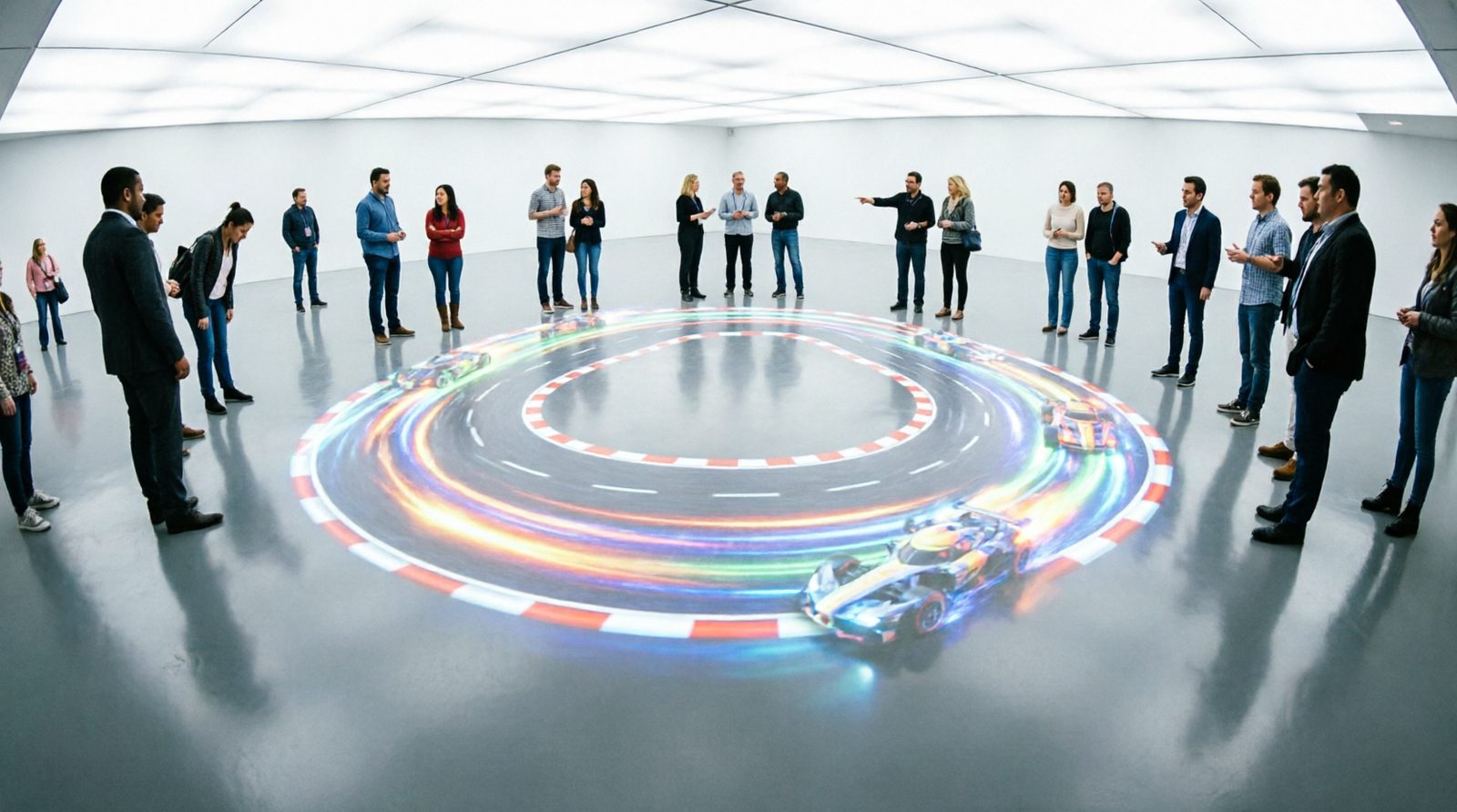
On a plaza floor of several hundred square meters, or in a glare-soaked mall atrium, camera-based interaction routinely goes blind. Radar keeps working. For integrators, event companies and venue owners, radar interactive projection is the premium answer for large, bright and crowded spaces — and the only sensing method that plays well with water and fog. This guide explains the working chain, where it beats cameras, and the installation numbers we use in the field.
How Radar Sensing Works: The Four-Step Chain
- Scan — an interactive radar (usually a 2D single-line rotating lidar, sometimes TOF millimeter-wave) sweeps a roughly 270° fan at high frequency, detecting the position, size and silhouette of everything entering the zone.
- Map coordinates — the radar's coordinate system is calibrated onto the projection's pixel space, so every detected point corresponds to a spot on the image.
- Transmit — multi-target coordinates stream to the interaction software over TUIO, the industry-standard multi-touch protocol. The common engineering stack is lidar + TUIO + Unity.
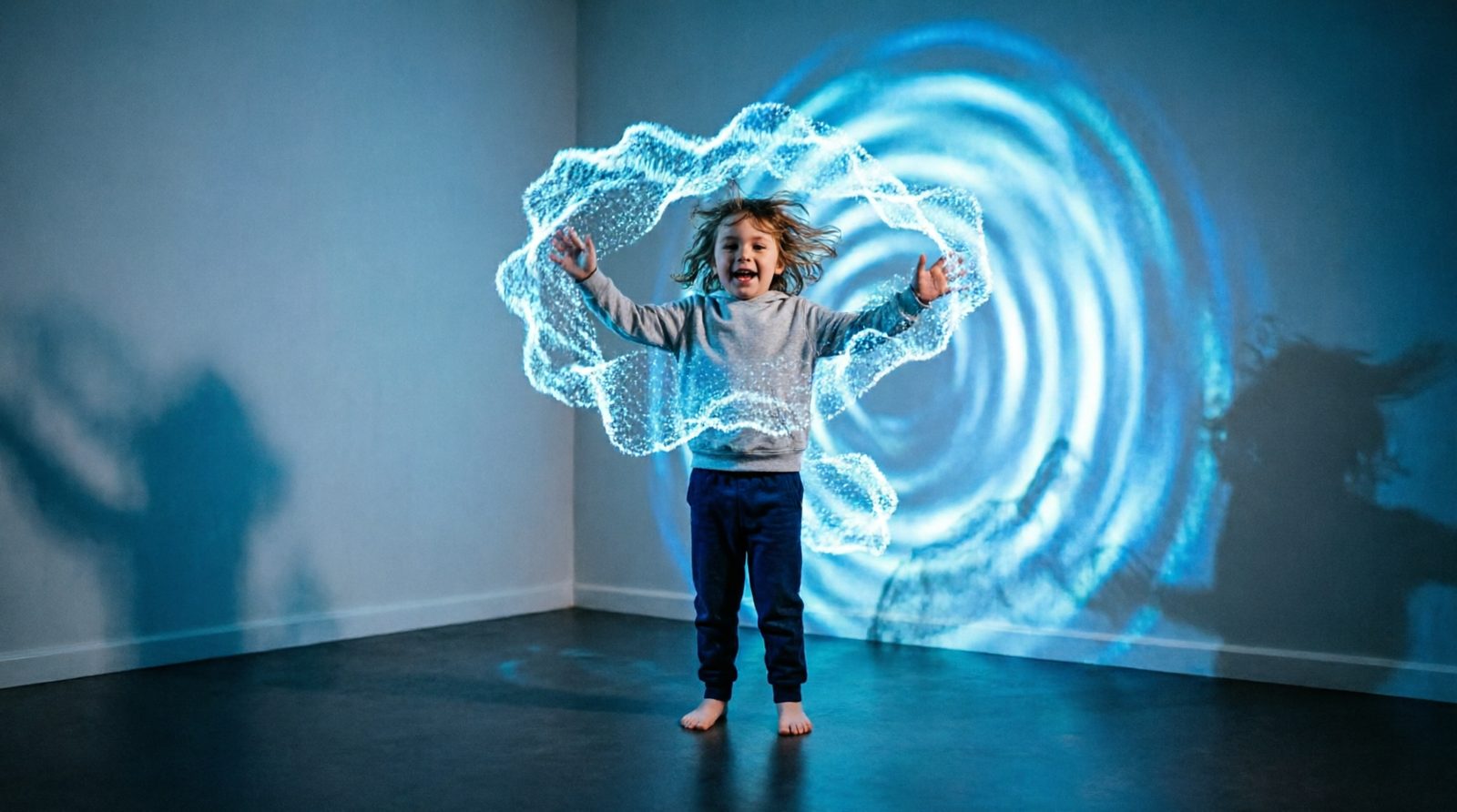
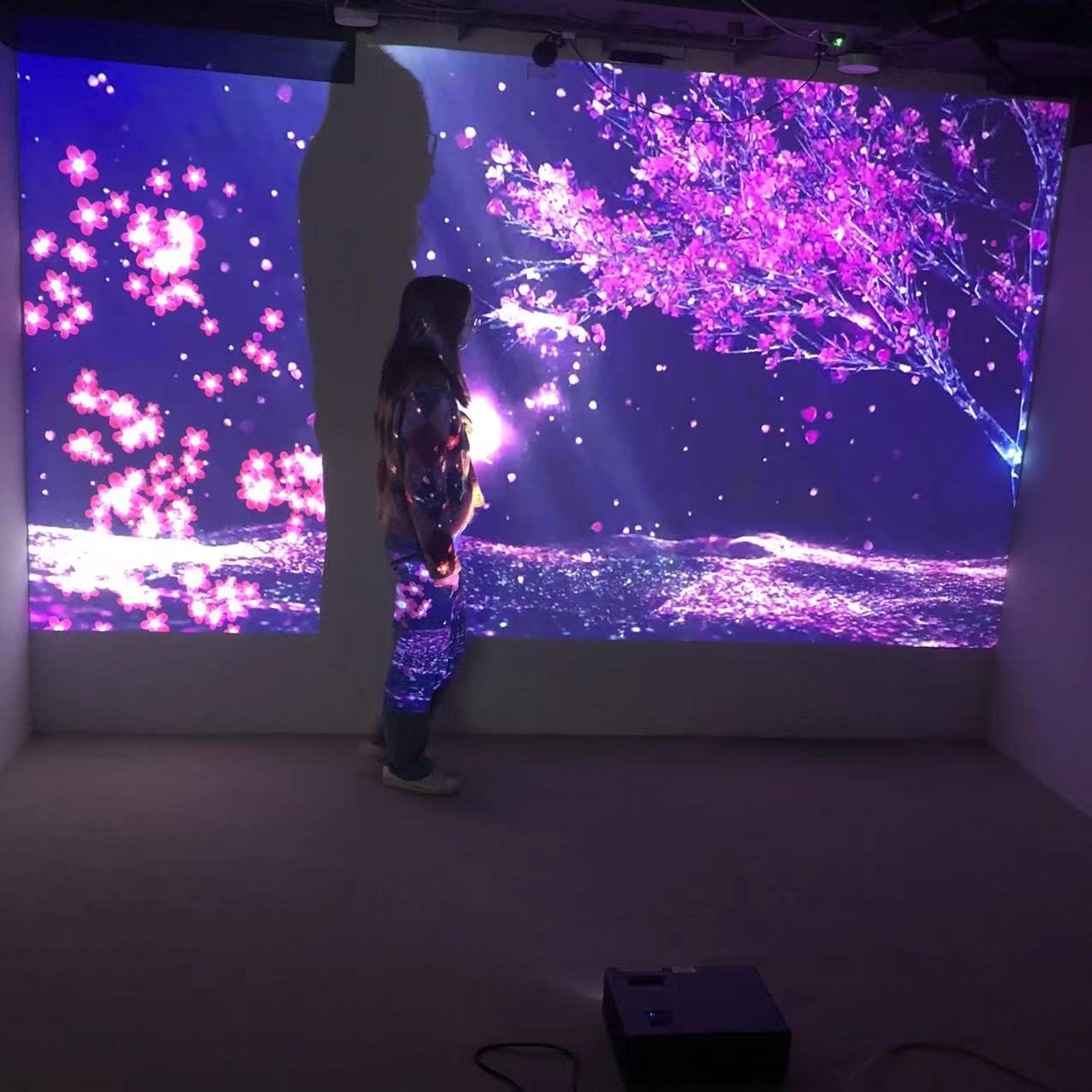
- Render — the interaction PC draws effects at the tracked positions in real time: step here, and ripples, fish or blossoms burst there. End-to-end latency should stay within 0.1–0.2 s.
Radar vs Cameras: Where the Money Goes
| Dimension | Radar | Camera |
|---|---|---|
| Light robustness | Excellent — stable in glare and darkness, first choice for night events | Fails in strong light, backlight and reflective floors |
| Environment | Dust- and humidity-tolerant; outdoor housings available | Lens fogs and collects dust; needs frequent cleaning |
| Tracking | True range measurement, centimeter accuracy, image-independent | Image-based; overlapping silhouettes drop targets |
| Multi-person | One unit tracks many targets simultaneously | Recognition drops as headcount rises |
| Special media | Works contactless on water, fog and irregular surfaces | Basically unusable on textureless surfaces |
| Cost | Medium — slightly above camera per point | Low–medium |
Short version: small dark rooms on a tight budget — cameras are fine. Large venues, daylight, crowds, water or fog — go radar.
Large-Venue Applications
- Mall atriums and plaza floors — the classic stage: fish scatter from footsteps, petals follow walkers, festival games rotate in. This is how passing traffic becomes dwell time.
- Museum floor games — science centers and children's museums run tens of square meters of quiz sprints, whack-a-mole and avalanche games for several players at once.
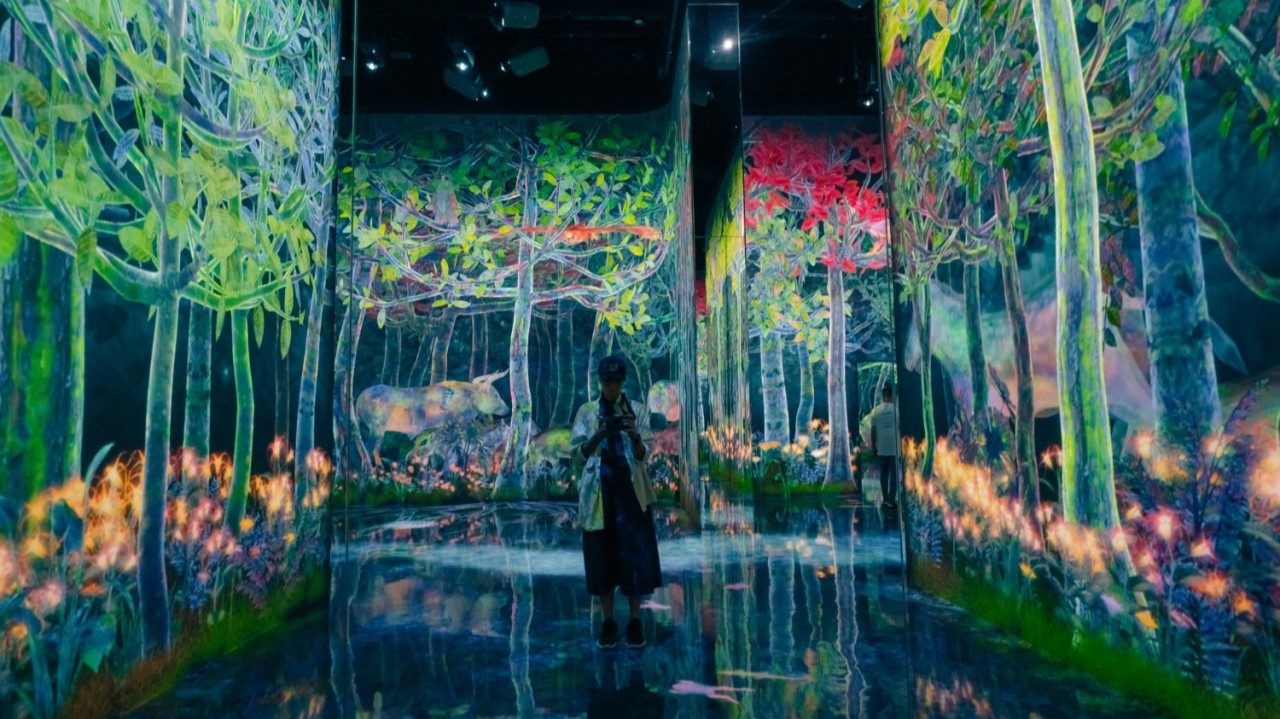
- Corridors and night-tour paths — radar units placed along a walkway light up waves or starfields wherever visitors step, for continuous long-distance interaction.
- Water and fog screens — lidar is one of very few sensing methods that works on non-planar, textureless media, making fountain and fog-forest shows interactive.
Installation Parameters and Commissioning
| Parameter | Typical value | Notes |
|---|---|---|
| Unit size | About 7 × 7 × 8 cm | Small enough for ceiling or wall mounting anywhere |
| Coverage angle | About 270° fan | Corner mounting covers a large area |
| Effective radius | Commonly 6–12 m | Varies by model and mounting height |
| Mounting height | 3–4 m for floors; 2–3 m for walls | Too high thins the scan spots and loses edges |
| Multi-unit setup | 10%–20% overlap between coverage circles | Calibrate each unit, merge coordinates in software |
| Interaction latency | 0.1–0.2 s or less | Above 0.3 s players feel the lag |
Three commissioning problems account for most service calls: range drift (vibration and temperature shift the calibration — use rigid mounts and re-calibrate before acceptance), edge dead zones (radar coverage and projected image misaligned — adjust the mapping grid corners) and false triggers (chandeliers, plants and falling objects inside the scan zone — filter by height and mask areas in software).
Before you buy: draw coverage circles from effective radius × mounting height, overlap them 10%–20%, and count units from that drawing — not from guesswork. Write a walk-test (all four corners plus center, no dead zones, latency in spec) and a number of free re-calibration visits into the acceptance sheet. And plan content refreshes every 3–6 months; in malls and museums the floor game is the attraction, not the sensor.
Send us your floor dimensions and ceiling type — Aurora Vision will return a radar coverage drawing and an exact unit count, typically within 24 hours.