Large-Screen Interactive Tech: Touch, Radar, Motion, AR
Six sensing routes sit behind the phrase interactive big screen. Here is how they compare on accuracy, glare, cost and maintenance — and how to pick by scenario.
"Interactive big screen" is not one technology. Behind nearly identical marketing photos sit capacitive touch panels, infrared frames, laser radar, depth cameras and AR recognition — routes whose cost, accuracy and tolerance to sunlight differ enormously. With the global interactive projection market growing at roughly 21.73% a year (Fortune Business Insights), more buyers than ever are quoting these systems blind. Here is the field map, so you stop paying for precision you do not need.
Six Sensing Routes, Six Home Turfs
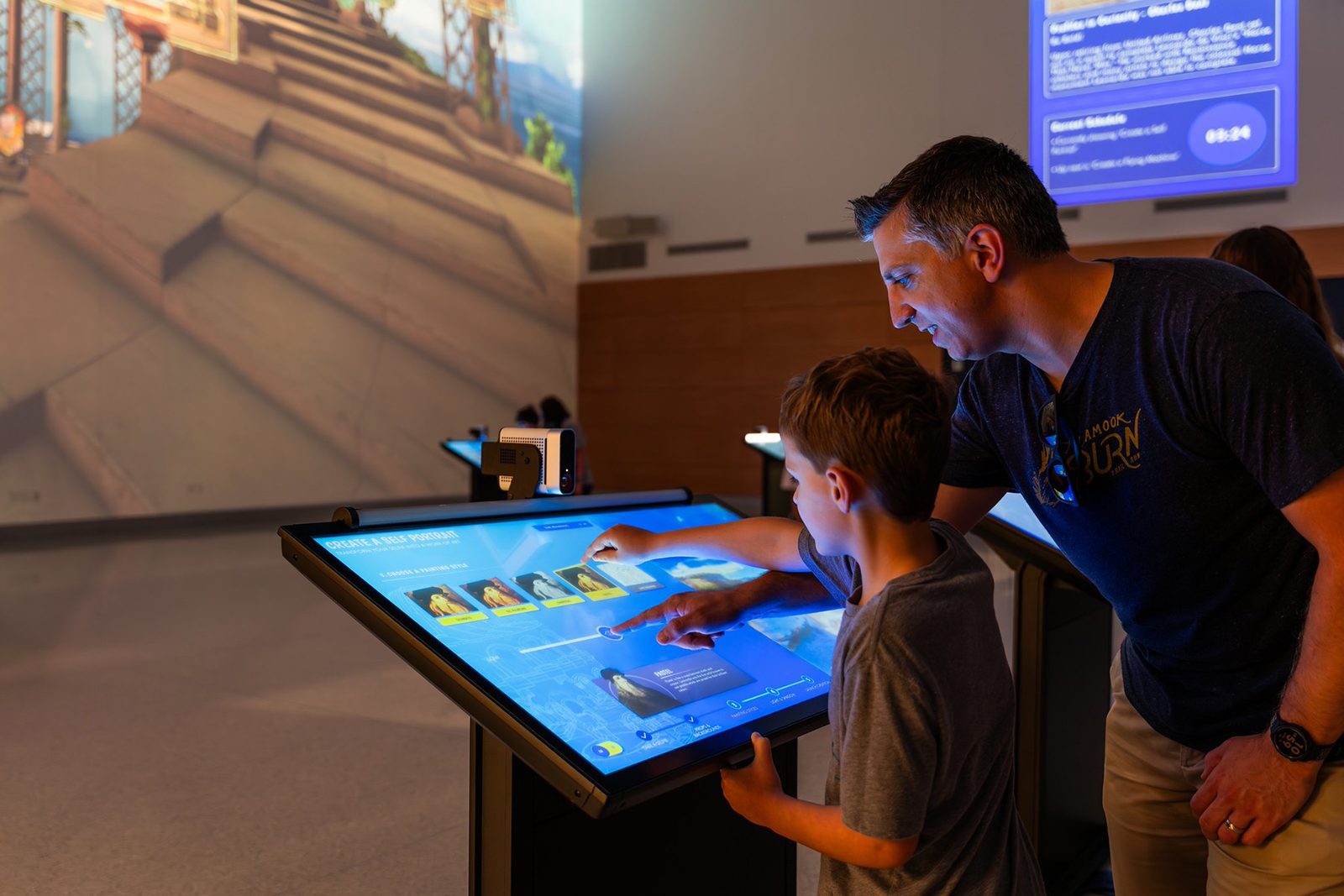
- Capacitive / infrared touchscreens — monitor-grade touch all-in-ones, usually 55–100 inches, pixel-accurate. Built for queries, signatures and page turns.
- Infrared touch frames — a frame bolted around almost any display surface (LCD video walls, projection screens, LED cabinets) makes it touch-sensitive. Inexpensive and multi-point; one of the three mainstream touch routes for exhibit halls.
- Laser radar sensing — a scanning radar maps spatial coordinates onto screen positions. Works contact and contactless, on walls, floors, even water and fog, with multi-person tracking.
- Depth-camera motion sensing — a 3D camera reads body skeletons for mid-air control: motion games, interactive fitness, endless-runner walls.
- AR body compositing — the camera cuts the visitor's live image into an on-screen scene and adds face, gesture and pose recognition. The engine of AR photo walls and virtual try-on.
- Millimeter-wave radar — a newer route for privacy-friendly presence detection and long-range contactless gestures: light linkage, touchless page turns.
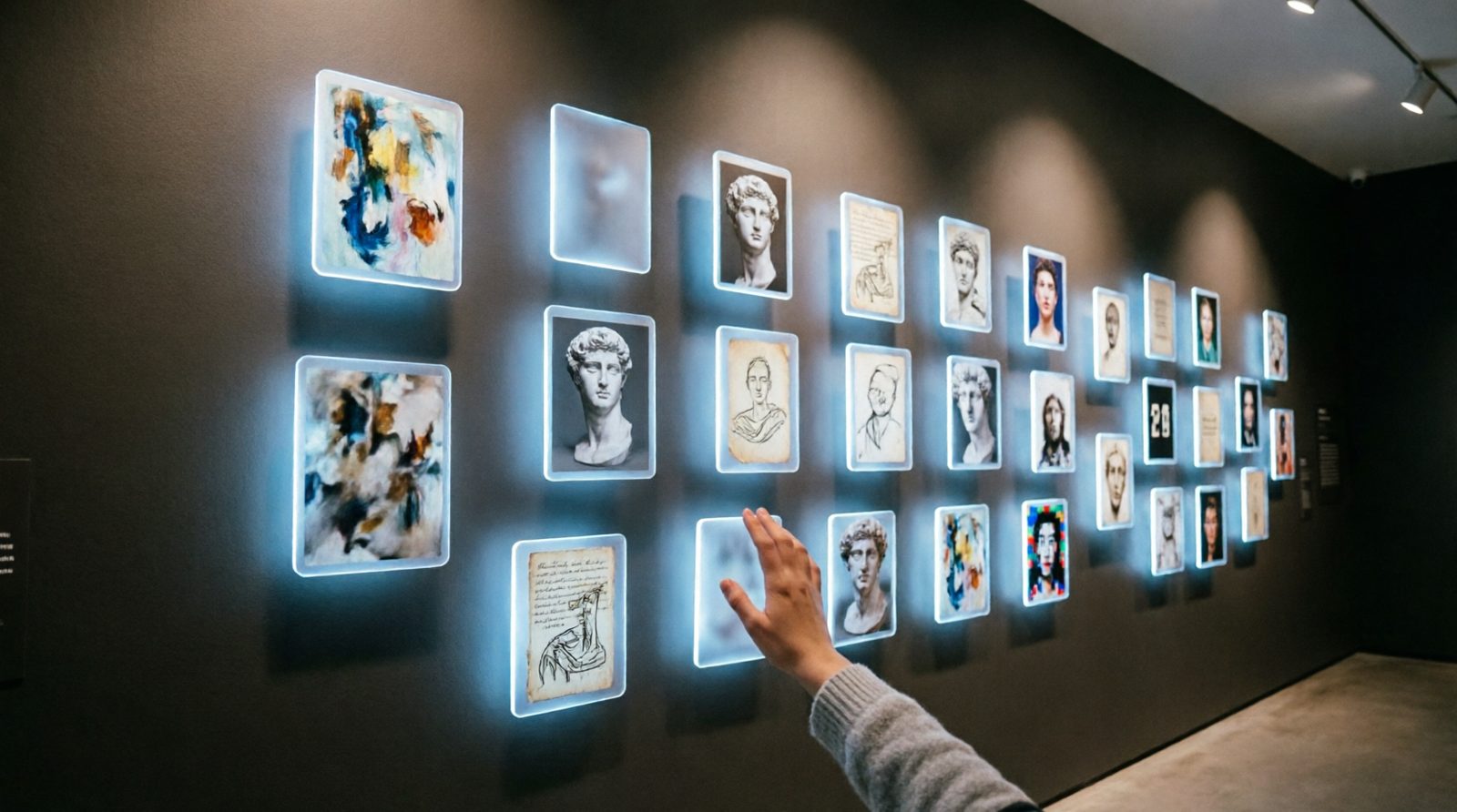
The Full Comparison
| Route | Accuracy | Light robustness | Cost level | Best fit | Maintenance |
|---|---|---|---|---|---|
| Capacitive / IR touchscreen | Pixel-level | Good — image sits behind glass | Medium, rises steeply with size | Kiosks, signature walls, desks | Anti-scratch film, recalibration |
| IR touch frame | High | Fair — direct glare causes false touches | Low–medium | Retrofitting projection and video walls | Dust cleaning, keep frame clear |
| Laser radar | Centimeter-level | Strong — light-independent, loves dark venues | Medium | Large walls and floors, crowds, water and fog | Dust covers, recalibration checks |
| Depth camera | Skeleton-level | Weak–medium — backlight degrades it | Low–medium | Motion games, fitness, kids areas | Avoid backlight and glass reflections |
| AR compositing | Recognition-level | Weak — needs fill light | Medium | AR photo, virtual try-on, campaigns | Fill lighting, clean backdrop |
| mmWave radar | Zone-level | Excellent — ignores lighting | Medium–high | Touchless triggers, people counting, dark zones | Avoid interference sources |
One line to remember: touch for precision, radar for crowds and glare, motion sensing for play, AR for shareability.
Matching the Route to Your Scenario
- Indoor showroom, controlled light, tight budget — an IR frame over a projection or video wall, or a 65–86 inch touch all-in-one; add a radar wall in the lobby for impact.
- Outdoors or strong daylight (shop windows, plazas, station halls) — radar and mmWave only; touch routes are effectively out.
- Crowds playing at once (mall atriums, kids parks) — radar floors and walls track many targets simultaneously; check depth-camera limits on headcount and distance.
- Campaigns that need shareable photos (pop-ups, launches, museum social corners) — AR photo walls with gesture triggers, plus fill light and a clean backdrop.
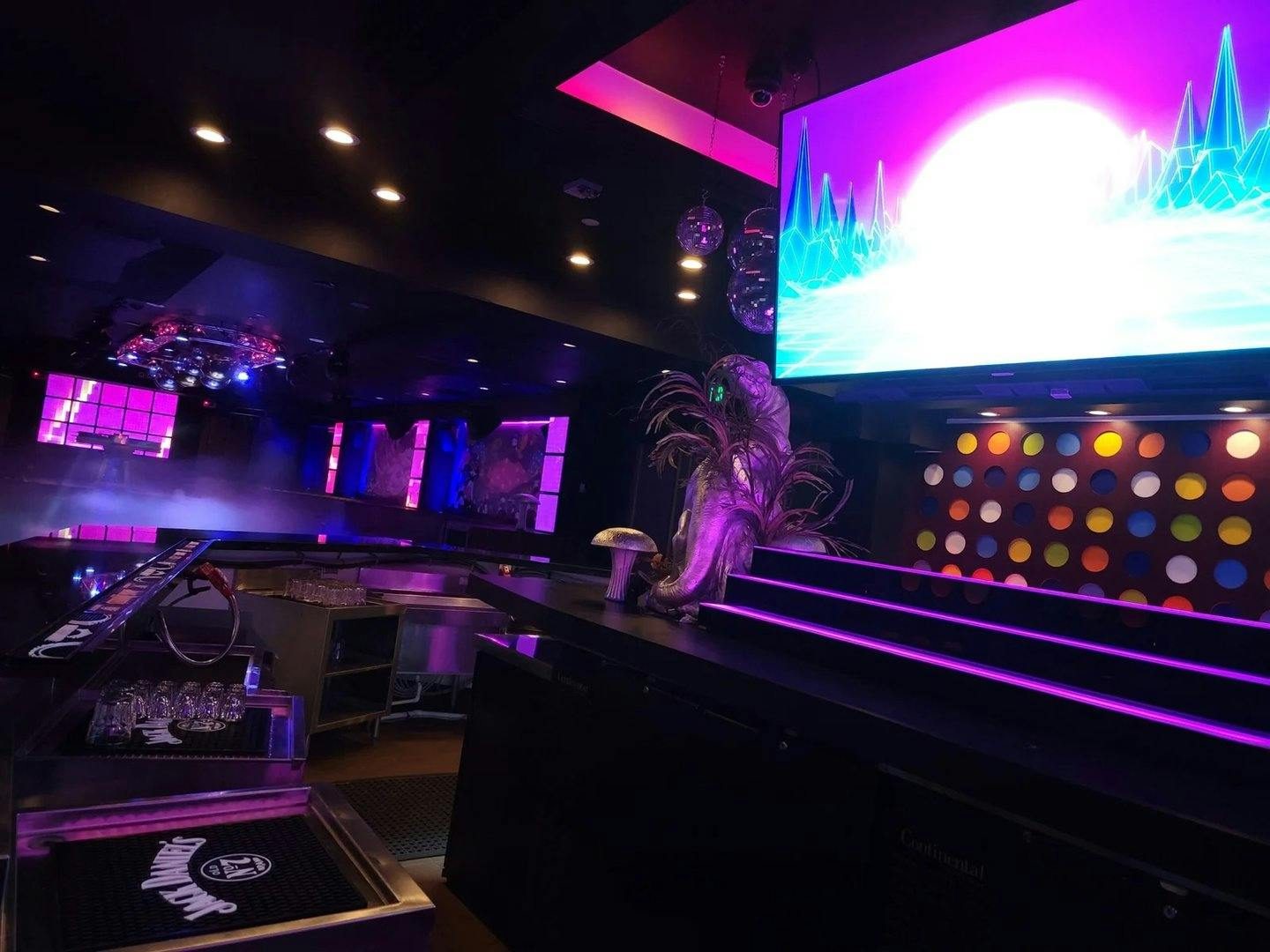
- Dark bars, night tours, water and fog features — lidar is close to the only stable answer, and the only one that works on water.
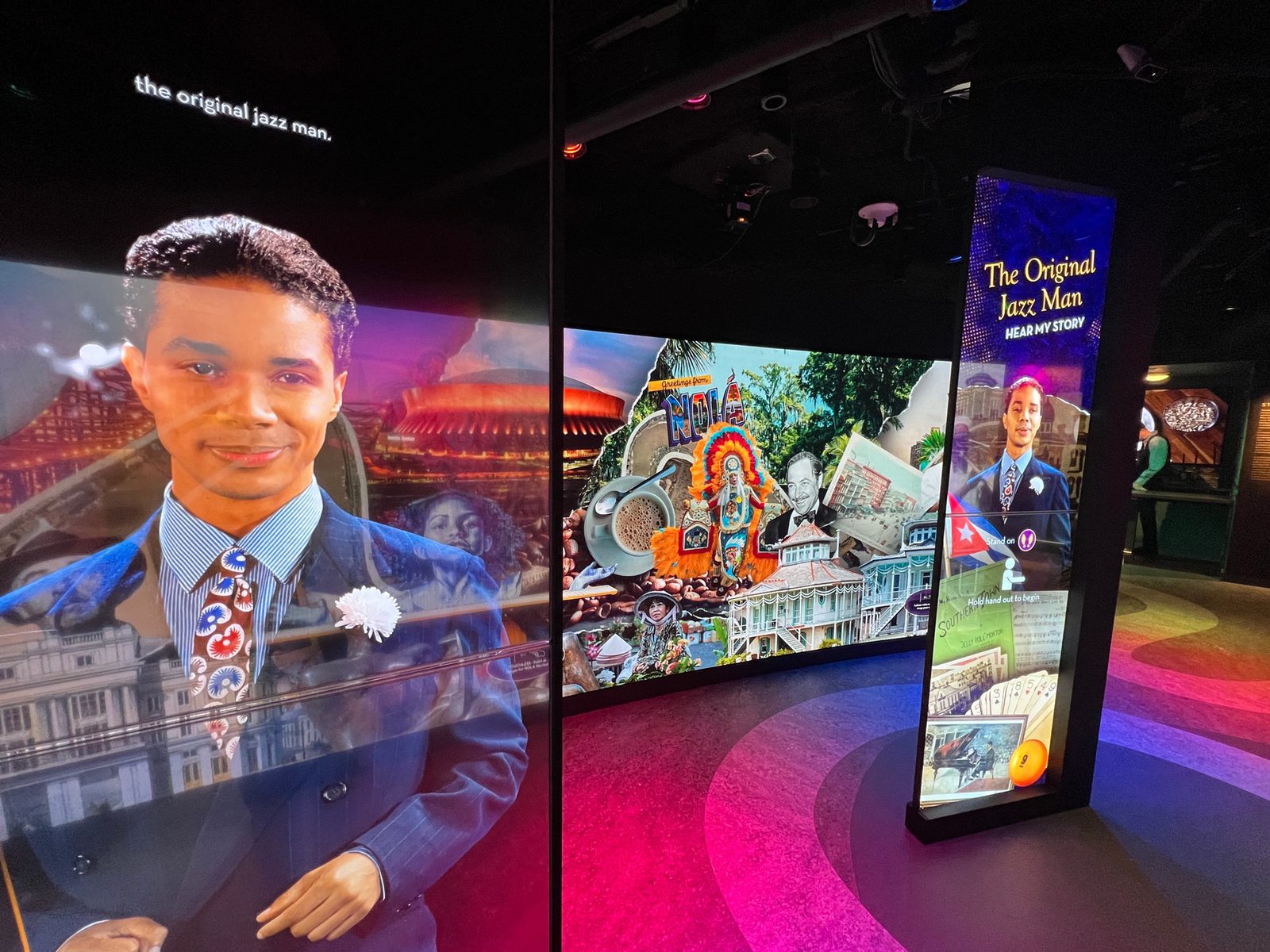
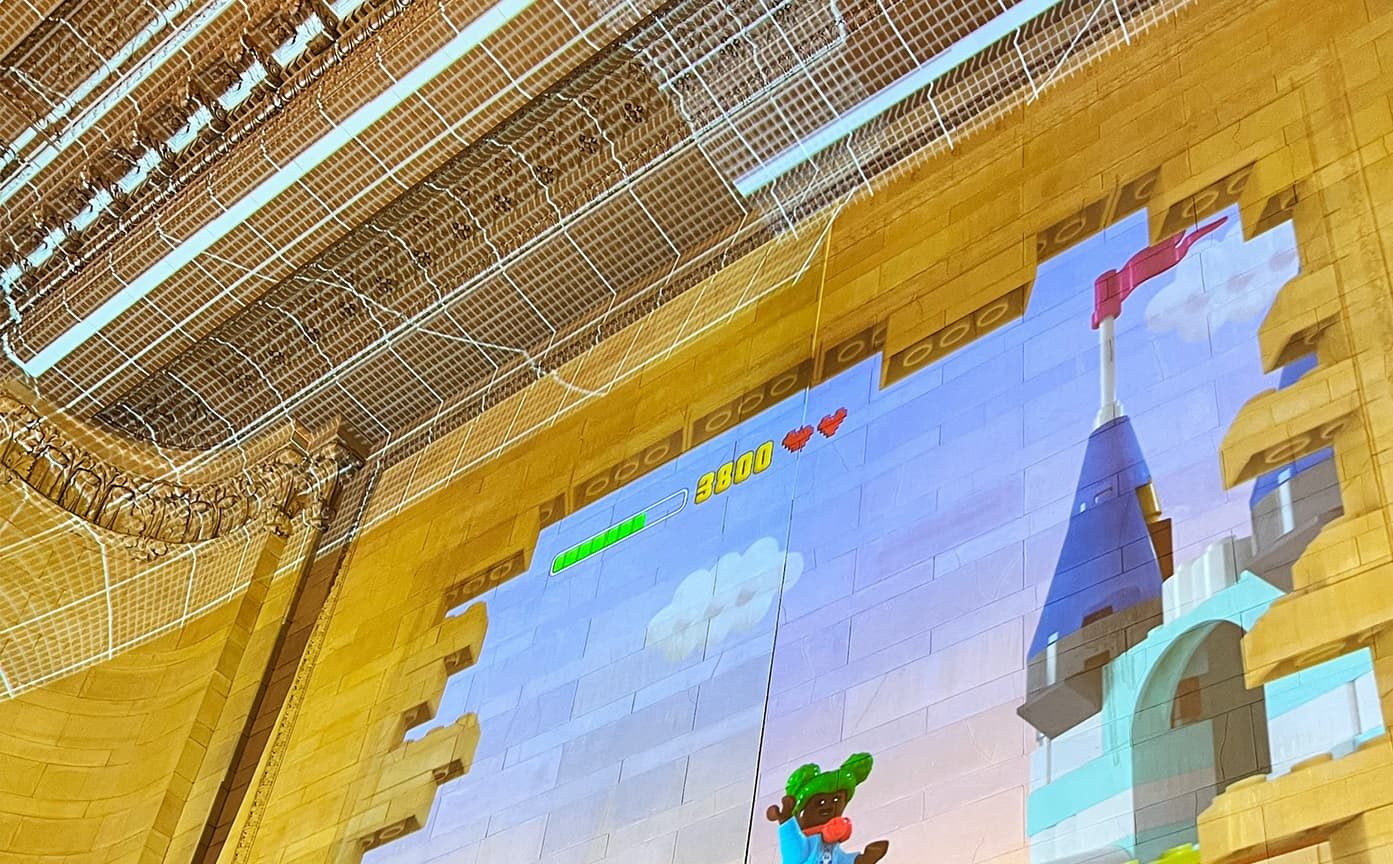
Budget and Acceptance Rules
- Answer four questions before choosing hardware: indoors or outdoors? How many players at once? Contact or touchless? Do photos need to look good? The route usually picks itself.
- Reserve 10%–15% of the budget for content — the same hardware with better content is a different attraction, and renewal terms belong in the contract.
- Quantify acceptance: touch routes on positioning accuracy and touch-point count; radar on tracked targets, latency (keep it under 0.1–0.2 s) and false-trigger rate; AR on recognition success rate and frame rate.
- Measure the light on site for anything camera-based — backlight and reflections kill recognition, so plan shading or fill light before install day.
Many venues end up running a combination — touch kiosks for detail, a radar wall for spectacle, an AR corner for social reach. Tell us your space, headcount and lighting and Aurora Vision will shortlist the route, the hardware and the content within 24 hours.