Interactive Projection Projects: From Brief to Acceptance
The 8-step delivery pipeline for interactive projection installations: brightness math, quote anatomy, quantified acceptance criteria and ten pitfalls to avoid.
Two buyers order the same "interactive floor". One opens to applause; the other is reworking the install within a month. The difference is almost never the product — it is process. With the interactive projection market heading toward roughly USD 26.75 billion by 2034, a wave of first-time buyers is entering, so here is the full delivery pipeline: eight steps, the quote anatomy, acceptance criteria you can actually sign, and the ten traps we most often see.
The Eight-Step Pipeline
| Step | Key action | Common failure |
|---|---|---|
| 1. Brief | Define scene, audience, interaction, budget band, schedule | "We want interactive projection" with no definition of the effect |
| 2. Site survey | Measure light, dimensions, power, structure, network, visitor flow | Quoted from photos; daylight brightness discovered too late |
| 3. Design | Brightness calc, projector positions, blending plan, sensing choice, content plan | Guessed lumens; sensor type mismatched to the scene |
| 4. Quote comparison | Compare line by line on identical scope | Comparing totals only; content licensing and install missed |
| 5. Contract | Fix equipment list, models, acceptance criteria, warranty terms | "Equivalent model" wording; subjective acceptance |
| 6. Install and commissioning | Rigging, cabling, alignment, blending, sensor calibration, content load | Skipping the trial run; failure on opening day |
| 7. Acceptance | Test each criterion, record, both parties sign | Signing after a demo; latent defects stay latent |
| 8. After-sales | Warranty scope, response times, content updates, consumables | No response-time clause; faults drag for weeks |
The brief is the anchor. Force the one-sentence template: who, in what environment, performs what action, sees what feedback, toward what goal. The survey then covers at least five items: ambient illumination (day and night readings), surface size and material, power capacity and cable runs, structural loading for rigging or wall mounts, and visitor flow with sightlines.
Design: Turn Brightness Into Arithmetic
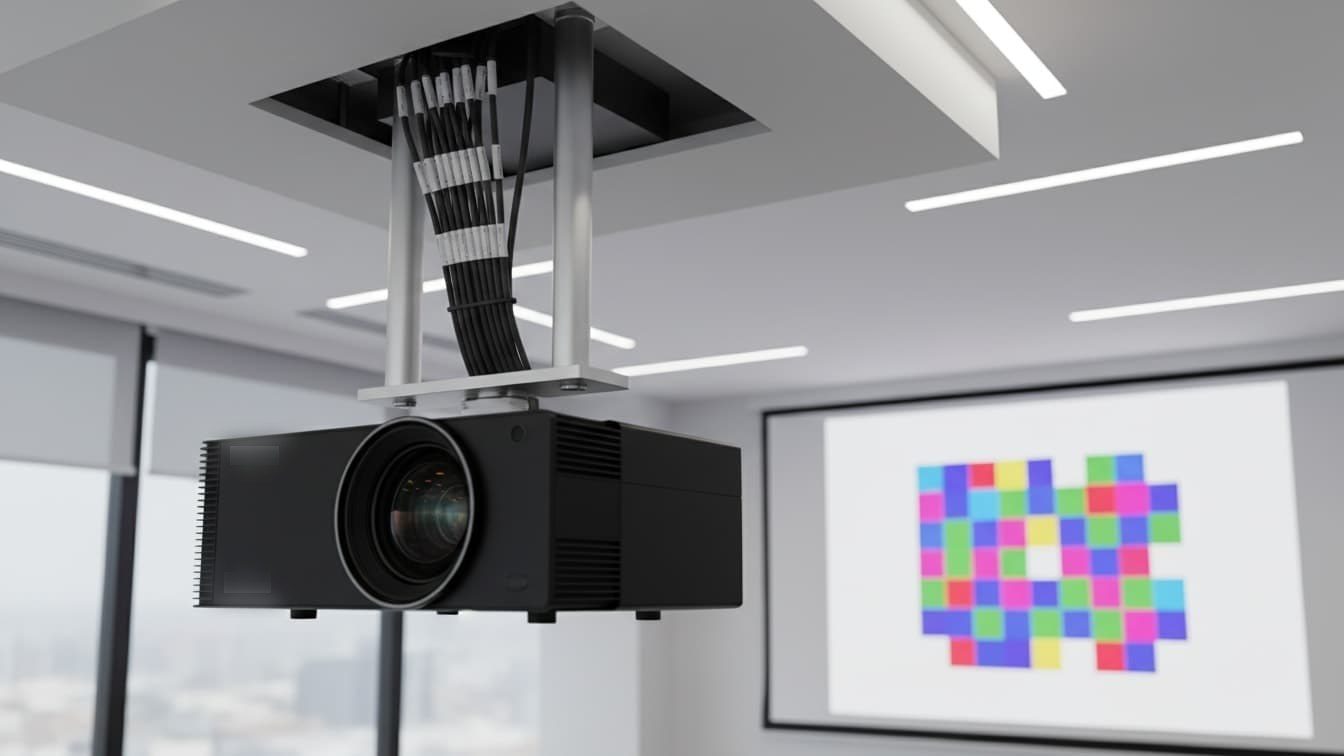
The technical heart of the proposal is making "bright enough, sensing accurately" calculable. For brightness, use target illumination multiplied by projected area, divided by a utilization factor of 0.6–0.8 (blending overlap, surface gain, lens losses). Set the target from ambient light: 80–150 lux on the image suffices in dark rooms (showrooms, night venues), while semi-lit spaces (mall atria, restaurants) need 200–300 lux. Field rules of thumb: 200–400 lumens per square meter in dark environments, 500+ in bright ones. When unsure, spec one class brighter — you can always dim, you can never boost. For sensing: infrared or camera suits indoor mid-size areas; radar wins in plazas, glare and dust; depth cameras are for skeletal, gesture-level play. Mark sensing coverage and blind zones on the drawings so "I stepped and nothing happened" never reaches the client. Content choice sets the cost structure: stock footage with rebranding is cheapest, semi-custom sits mid-range, and pure custom 3D is priced per second — quantity, resolution, license scope and update path all belong in the contract.
Reading a Quote Line by Line
A professional quote splits into six parts — check each before comparing prices:
| Cost item | Typical share | What to verify |
|---|---|---|
| Equipment (projectors / sensors / players / structure) | 55%–70% | Brands, exact models, quantities, new vs refurbished |
| Content production / licensing | 10%–25% | Quantity, originality, license years |
| Installation and commissioning | 8%–12% | Work at height and overtime included? |
| Shipping and insurance | 3%–5% | Delivered-to-door or ex-works |
| Taxes | By invoicing | Invoice type and rate |
| Warranty | Included or separate | Years, response times, spare parts |
Four contract rules carry most of the risk: full brand and model on every device (no "equivalents"); quantified acceptance criteria, never "satisfactory effect"; content license years and scope in writing; and after-sales response times — for example remote response within 2 hours, on-site arrival or remote fix within 48 hours.
Acceptance You Can Sign
Sign with evidence, not with a demo — every number measured on site, recorded, initialed by both parties:
| Item | Quantified reference | Test method |
|---|---|---|
| Image brightness | Center illumination within plus/minus 10% of the proposal | Lux meter on the surface |
| Uniformity | Edge vs center difference within 25%, smooth blending transitions | Five-point sampling |
| Seams | No visible bright or dark bands, no geometric offsets | White field and test patterns |
| Sensing response | Action-to-feedback within 0.1 s, no dead zones | Timed test plus full-zone walk test |
| Stability | 72-hour continuous run without crashes or thermal throttling | Trial-run log |
| Content | Resolution, frame rate and license files match the contract | Check source files and certificates |
Delivery is not the end: filters and lenses need monthly cleaning, sensors periodic recalibration, and lamp-based models a replacement budget (laser sources largely remove it). Write first-year maintenance into the contract and keep one critical spare on site — usually a projector or player — to compress downtime.
Ten Pitfalls to Avoid
- Inflated brightness: accept only ANSI lumens plus a written calculation after survey; beware "light source brightness" phrasing.
- Refurbished sold as new: check serial numbers and manufacture dates; state "new and original" in the contract.
- Photo-only quotes: no final price without a survey; make the survey fee deductible from the contract.
- Sensing blind zones: demand a coverage diagram at design stage; acceptance by full-zone walk test.
- Content copyright traps: verify rights and license years; collect the license certificates.
- Shrinking game counts: built-in content quantity listed in the contract and counted on site.
- Sloppy blending: multi-projector jobs are accepted at the blend zones, not from across the room.
- Rough installation: cabling, rigging hardware and fire ratings checked against code; keep as-built drawings.
- After-sales without deadlines: graded response times in the contract; hold back 5–10% of payment as warranty deposit.
- Ignored operating costs: price content updates, consumables and remote maintenance up front — avoid "bought it, cannot afford to run it".
Aurora Vision ships a site survey form, an itemized quote template and an acceptance sheet with every overseas project. Ask for the three templates before you sign your next interactive projection contract — they cost nothing and they settle most disputes before they start.