Projection Mapping in 2026: A Practical Guide to 3D Visual Projection
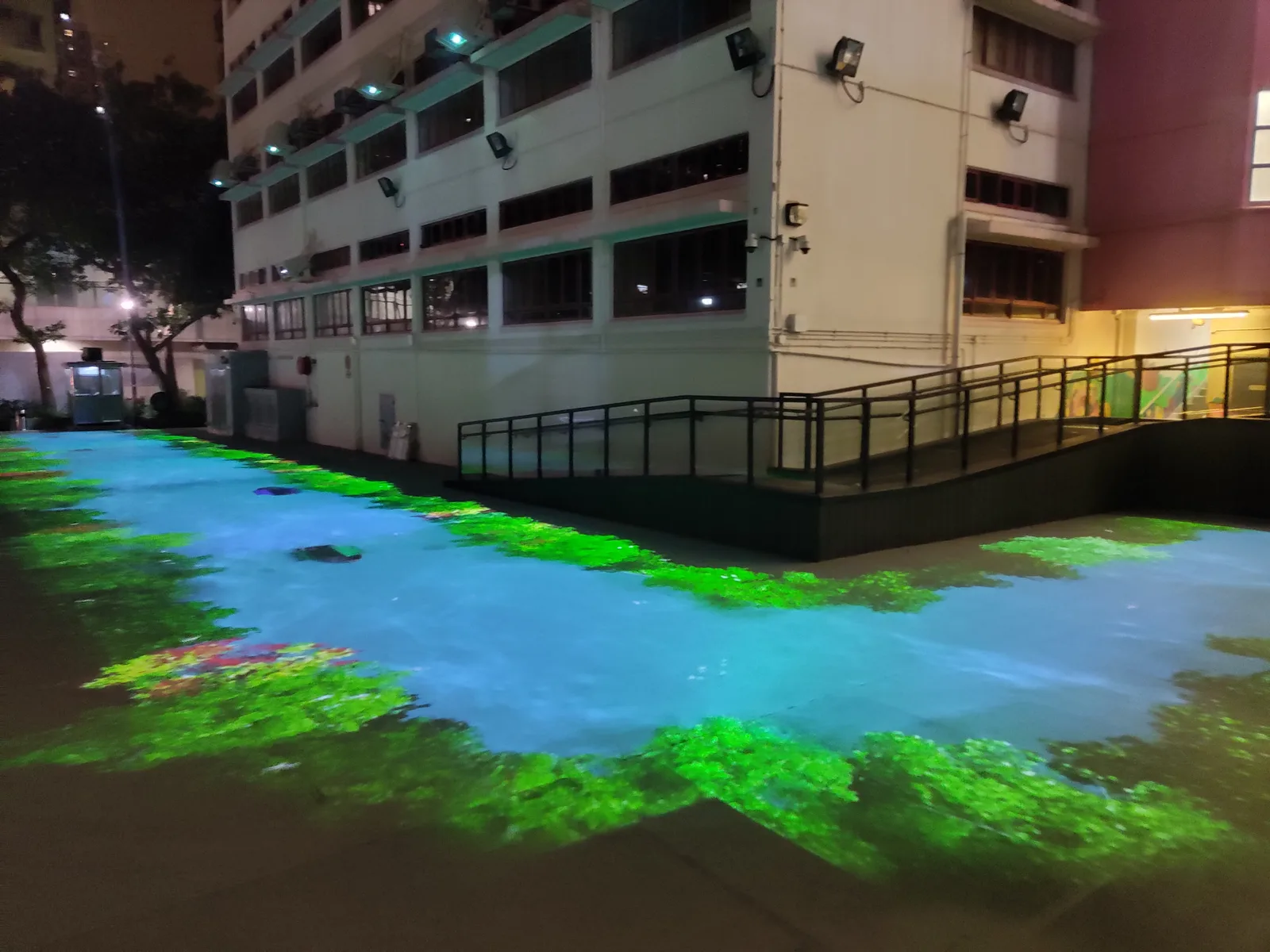
How 3D projection mapping works, what it costs to get started, which surfaces work best, and the projector specs that matter — a guide for venues and event teams.
What Makes Projection "3D"?
Standard projection puts a flat image on a flat wall. 3D projection mapping goes further: the content is modeled around the real geometry of the target — a building's cornices, a car's curves, a stage sculpture — so light appears to reshape the object itself. Windows become portals, facades crumble and rebuild, and static objects tell stories.
The Workflow
- Scan or model the surface — measurements or photogrammetry produce a 3D proxy of the real object
- Design in the proxy — animators build scenes that match the geometry
- Map and align — projectors are positioned and their output warped to the physical surface
- Show control — a scheduled or triggered playback runs the final show
What Surfaces Work Best
Light-colored, matte surfaces reflect projection most faithfully: plaster facades, stone, wood panels, tension fabric. Glass and dark glossy surfaces swallow light — plan extra brightness or avoid them. Our arts centre façade show is a good reference for architectural mapping on a working building.
Projector Specs That Matter
- Brightness: outdoor façades typically need the 8000+ lumen class; indoor objects can use less
- Contrast: deep blacks make mapped content look painted onto the object
- Lens range: long throw for plazas, short throw for tight interiors
- Duty cycle: nightly shows demand laser sources and 24/7-rated units
Budgeting Honestly
Hardware is often the smaller half: content production for a bespoke mapping show usually matches or exceeds equipment cost. Venues that want projection without custom film budgets can start with template content and projector systems from our catalog — and upgrade to fully bespoke shows later.